
Business Context
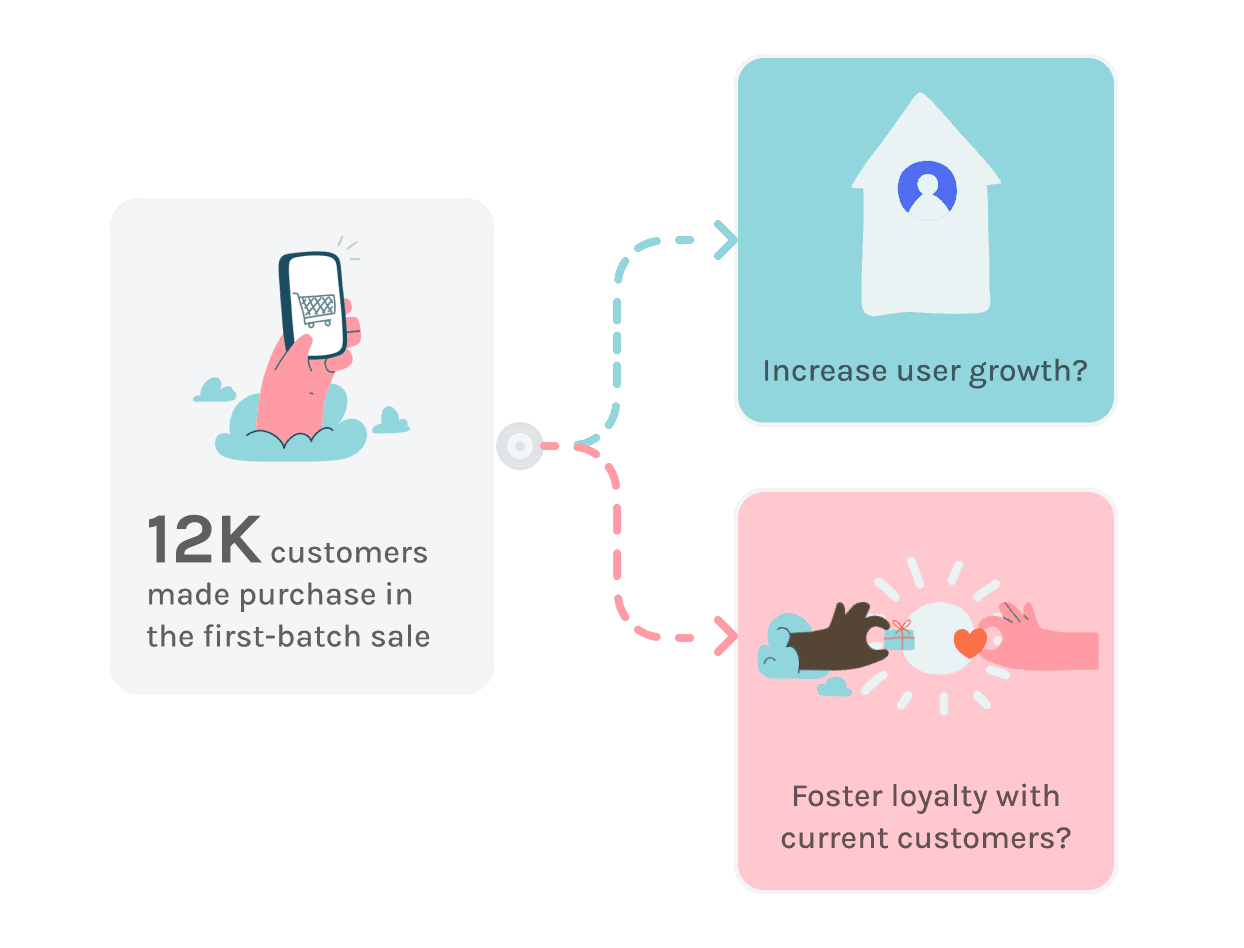
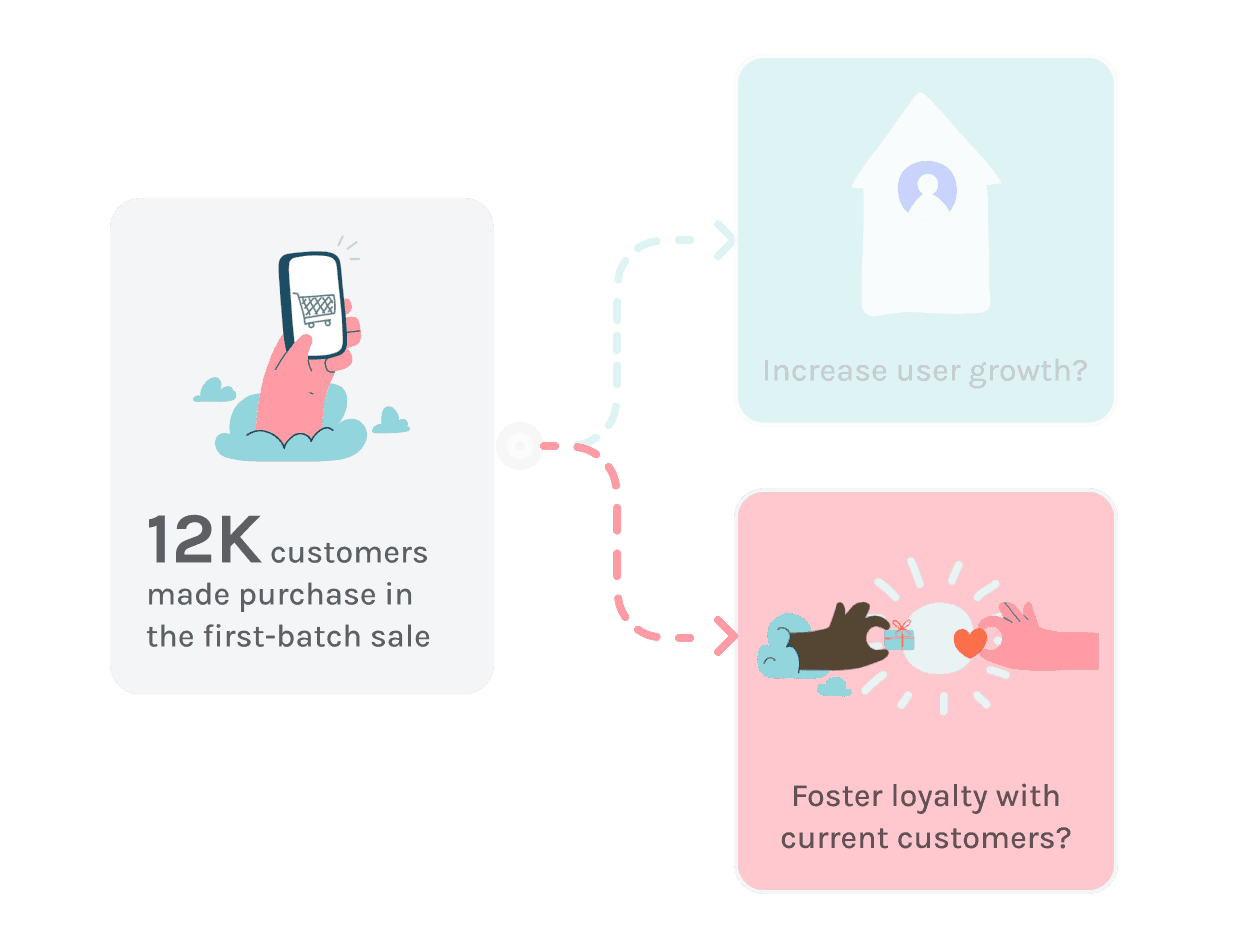
After 12K customers involving in the
first-batch sale,
what to prioritize next?
Understand users via
Telegram community.
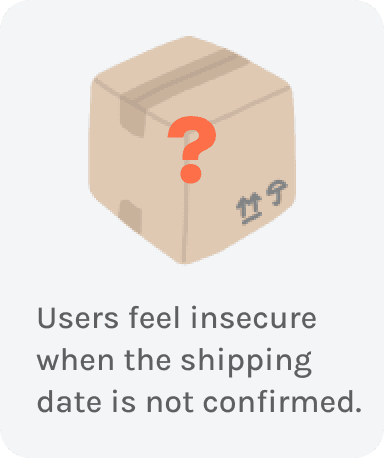
USER CONCERN
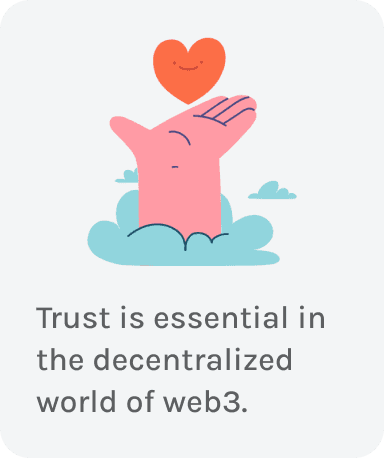
BUSINESS DECISION
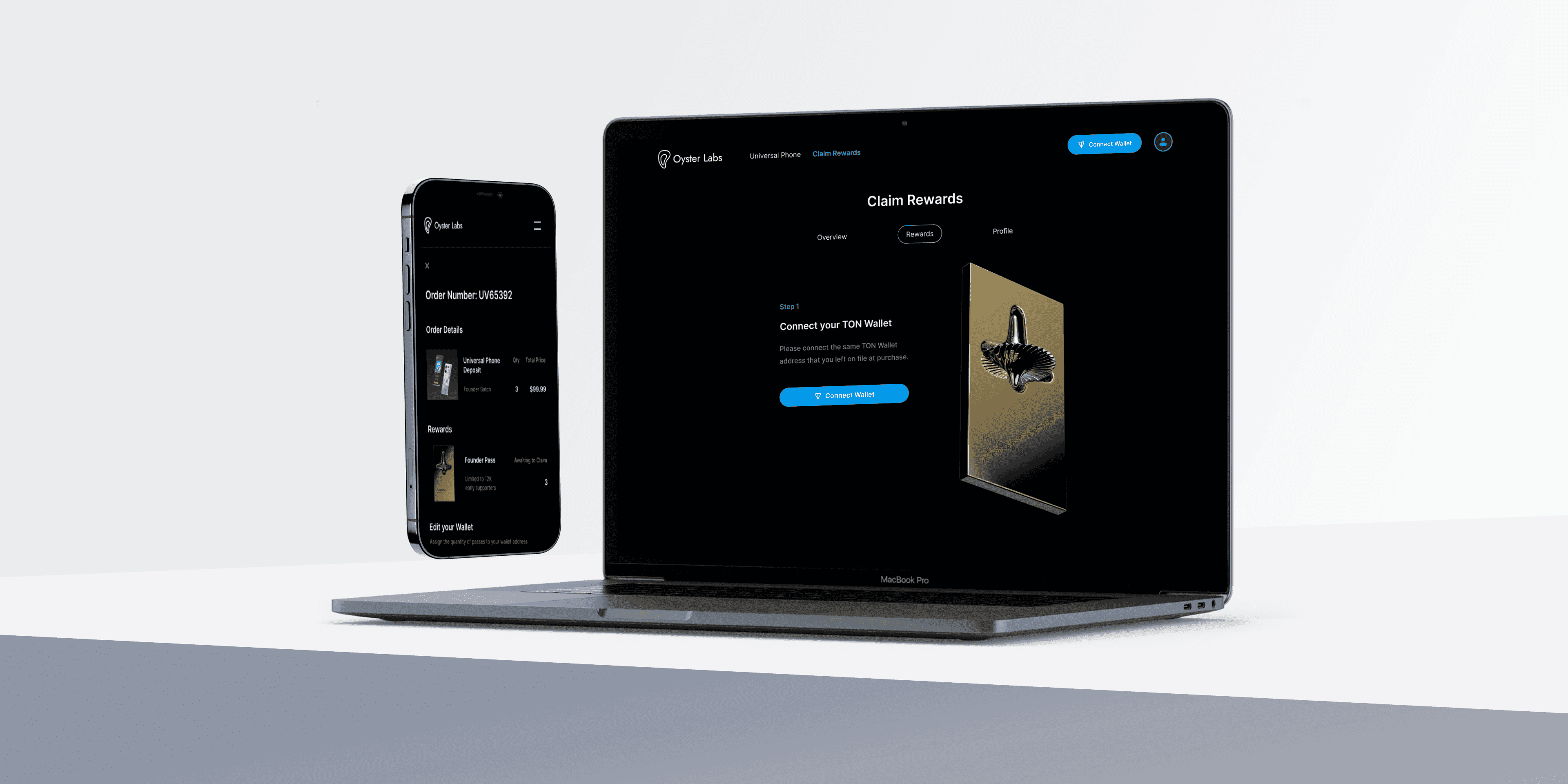
Therefore, we decided to first focus on fostering trust by letting users to claim a 'Founder Pass' that opens door to future exclusive rewards (airdrops, NFT, etc).
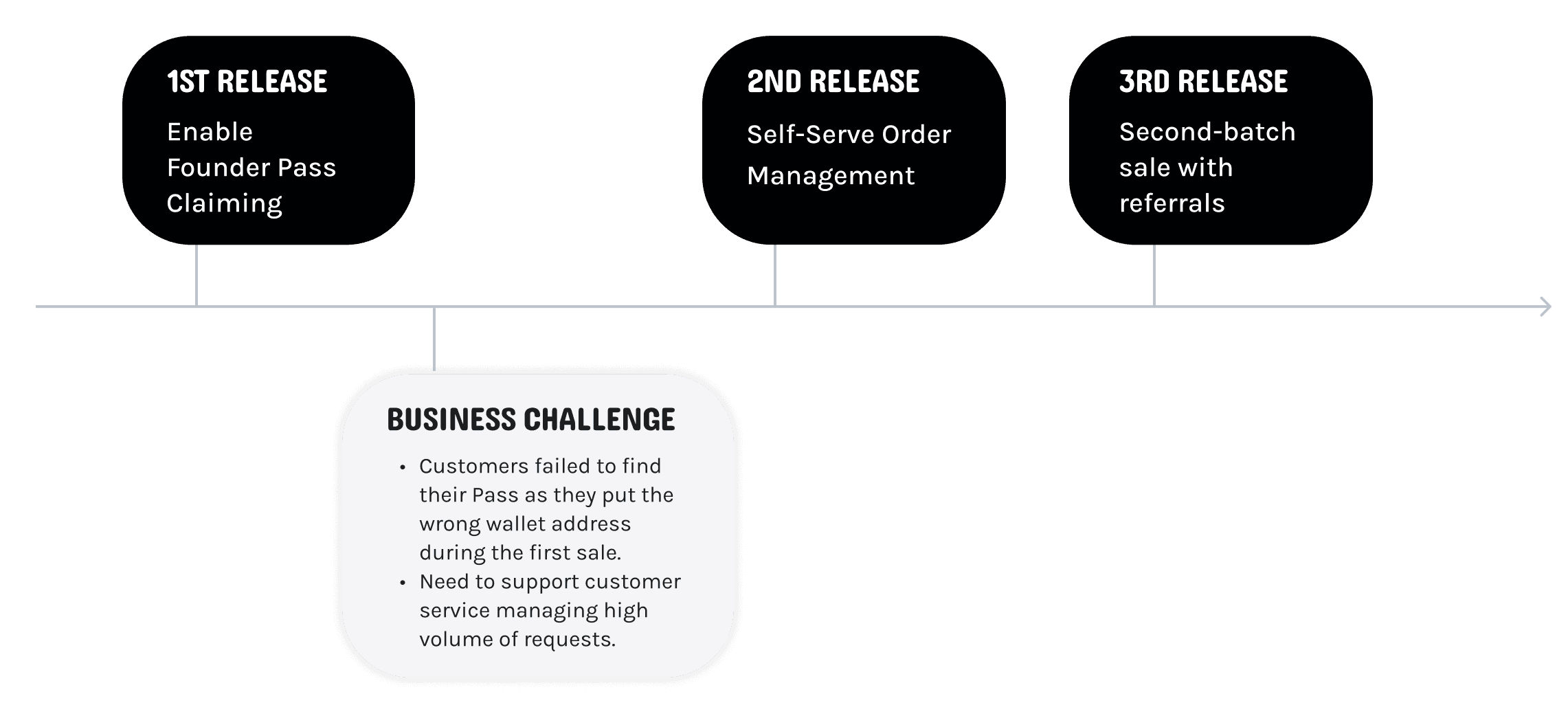
1st Release
Founder Pass Reward Claiming Flow
To claim the Founder Pass, users need to connect to their wallets to find the eligible pass.
User Need
Most of the users make purchases with multiple wallets during the first sale.
Therefore, there's a need to switch between wallets while claiming the pass.
How we iterate 'Connect/Disconnect Wallet' design?
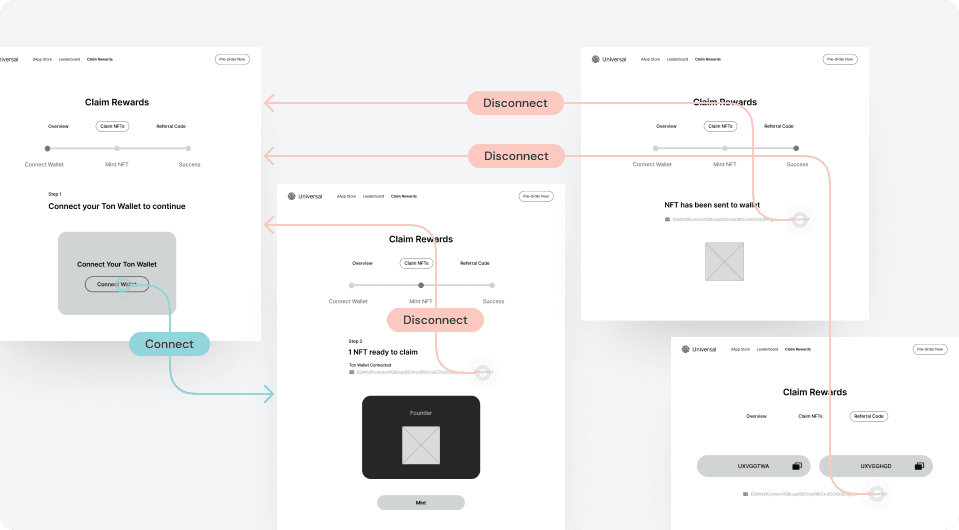
VER. 1
Connect&Disconnect available
at every steps.
For the first version, to ensure users have control to switch between wallets, we included 'Disconnect Wallet' at every step.

VER. 2
Make Connect&Disconnect global to access all the time.
Ver.1 design disrupts user experience and increases development complexity.
From internal user testing, we found that the “Disconnect Wallet” buttons were distracting users from the primary action at each step.
“It’s similar as ‘login’ to my wallet.”
After interviewing blockchain users and existing web3 competitors, we found ‘Connect Wallet’ and ‘Disconnect Wallet’ are similar concepts as ‘Log in’ and ‘Log out’. Therefore, we decided to create a global button for users to connect and disconnect their wallet all the time.

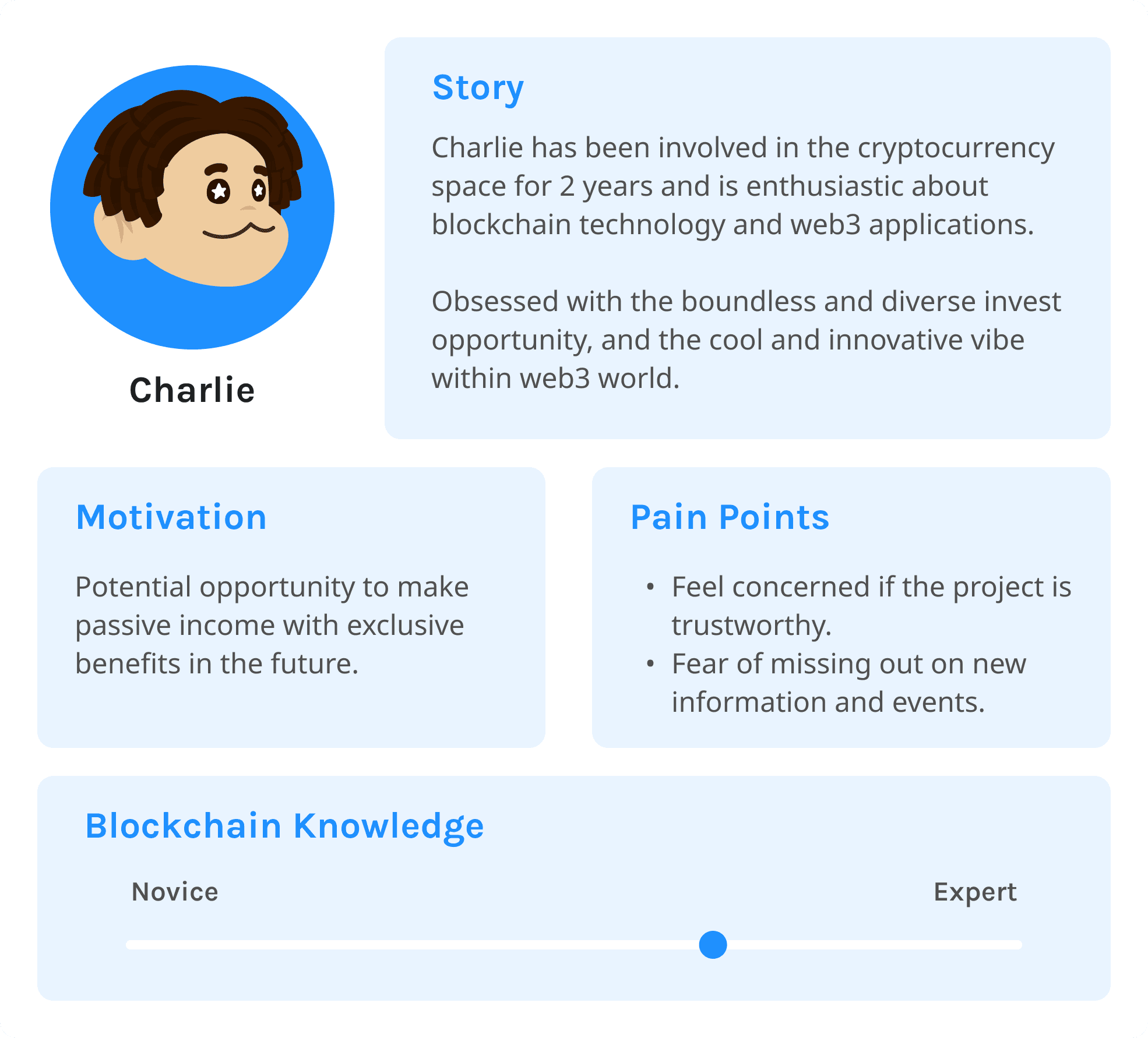
Charlie
Charlie click the link from the official announcement on Telegram
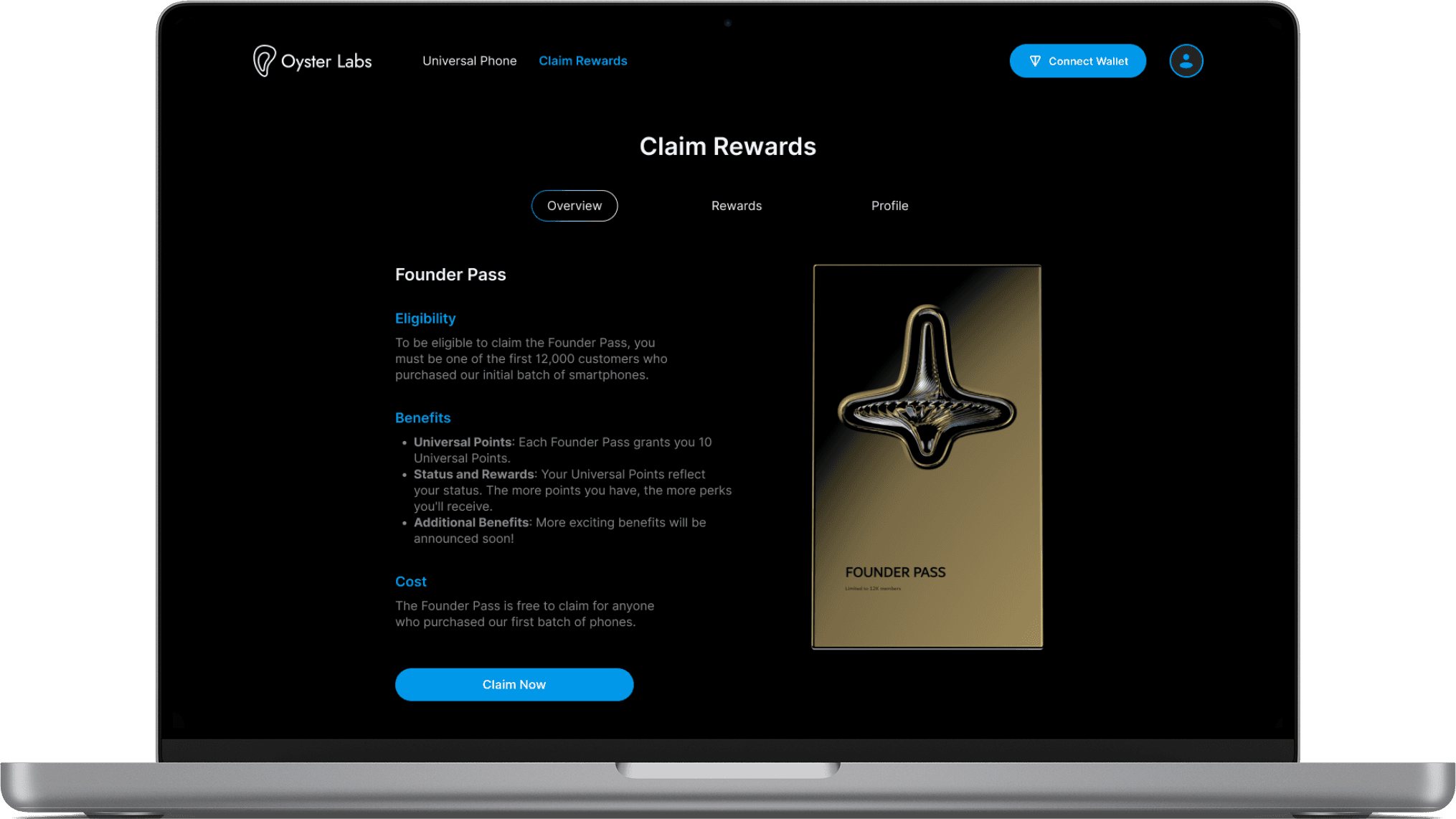
First, Charlie needs to connect his wallet by scanning through his phone
Finally, claim the pass and find it in Profile page.

2nd Release
Self-Serve Order Management
Business Context
Customer service struggled to manage the overwhelming number of requests
Many customers failed to find their Pass as they put the wrong wallet address during the first sale. Some also requested to update new wallet address and mailing address. We decided to create a self-serve order management portal, allowing customers to update wallet and shipping address on their own.
Design Challenge
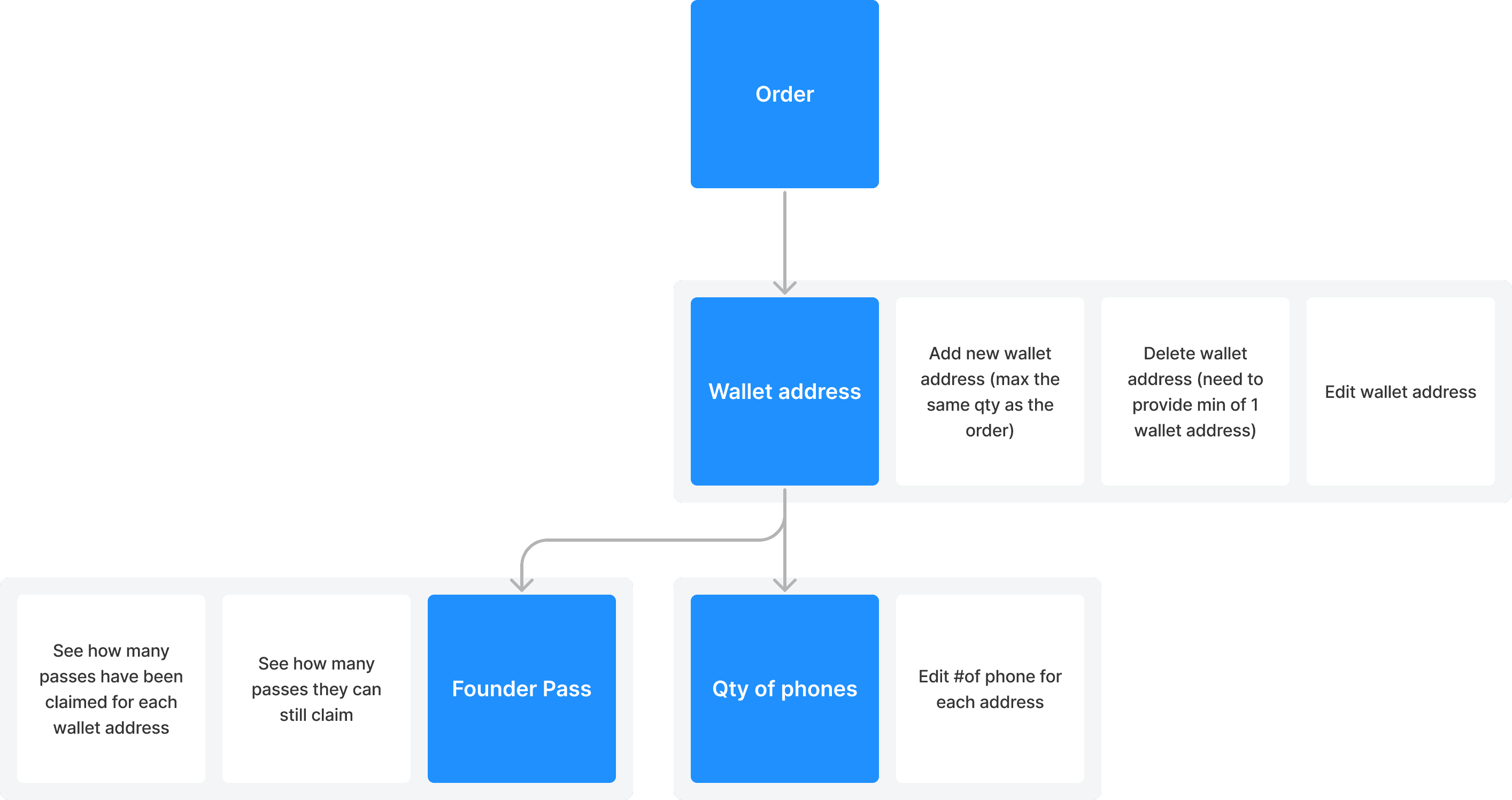
How to deal with complex relationship between different customer data (order, wallet address, founder passes, shipping address…)?
We mapped out the customer data and the according actions related to that piece of data.
2nd Release
Charlie
Next Step
Actively collect user feedback
After the website launch, it’s critical to keep on collecting usage data and user feedback to ensure the website meets user needs. We may collect feedback through surveys, online communities, and user interviews, aiming to understand how users interact with the website, what they like and don’t like, and what pain points they encounter.
Monitor usage data through different metrics
In addition, it’s critical to collect website performance through analytic tools. Collaborating with stakeholders, we would define key metrics to track, including conversion rates, user engagement, and retention.
Plan future releases and continuously iterate based on priorities
With the insights collected, we would discuss with the stakeholders, including the product manager, engineers, and marketing to plan the future releases and iteration plans. We would prioritize the tasks by balancing user needs, technical feasibility, with business objectives.
My Learning
Consider different usage scenarios in our design
In this project, we need to consider different usage scenarios and purposes in our design. For example, for founder pass holders and referral code users, how they interact with the website and their goals are different.
Think about extreme scenarios and worst cases
It’s critical to collaborate with stakeholders to understand what is the extreme situation that users might face after the website is launched, so that we can ensure our design accommodate with the real needs. In addition, it’s always needed to consider the worst case, for example, what if users skip specific sections, could they still complete their tasks?